



















← Support
Article 1 · Set up
Before your HoloBox arrives: site checklist
Goal
The box works on day one. Most first-day problems this month were Wi-Fi strength and IT approval, and both can be checked before delivery.
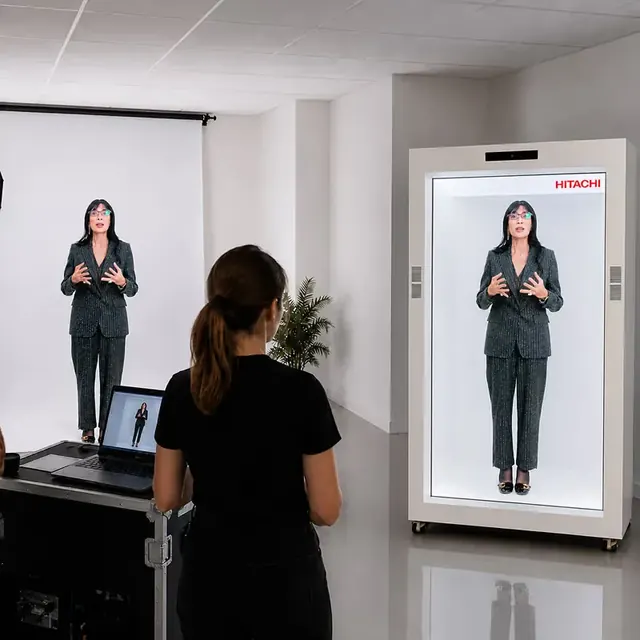
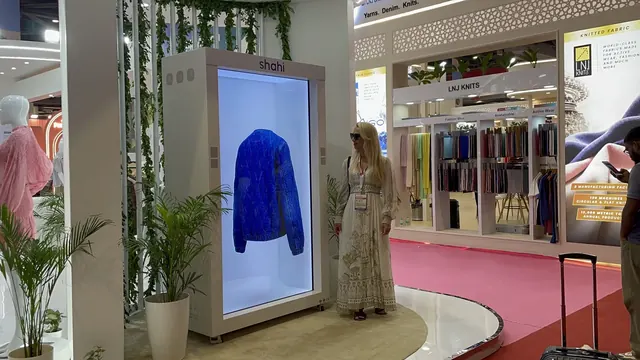
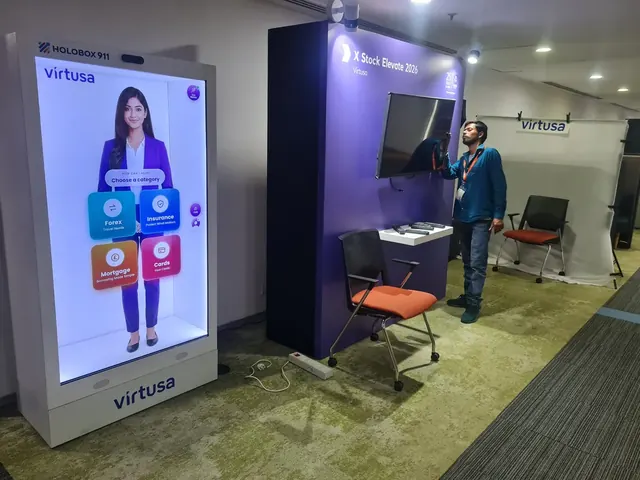
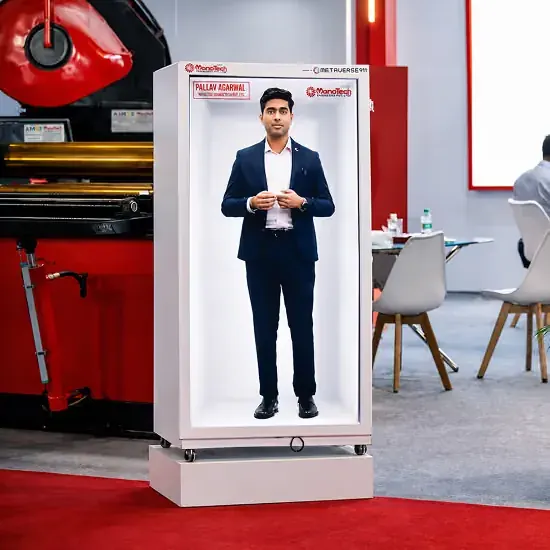
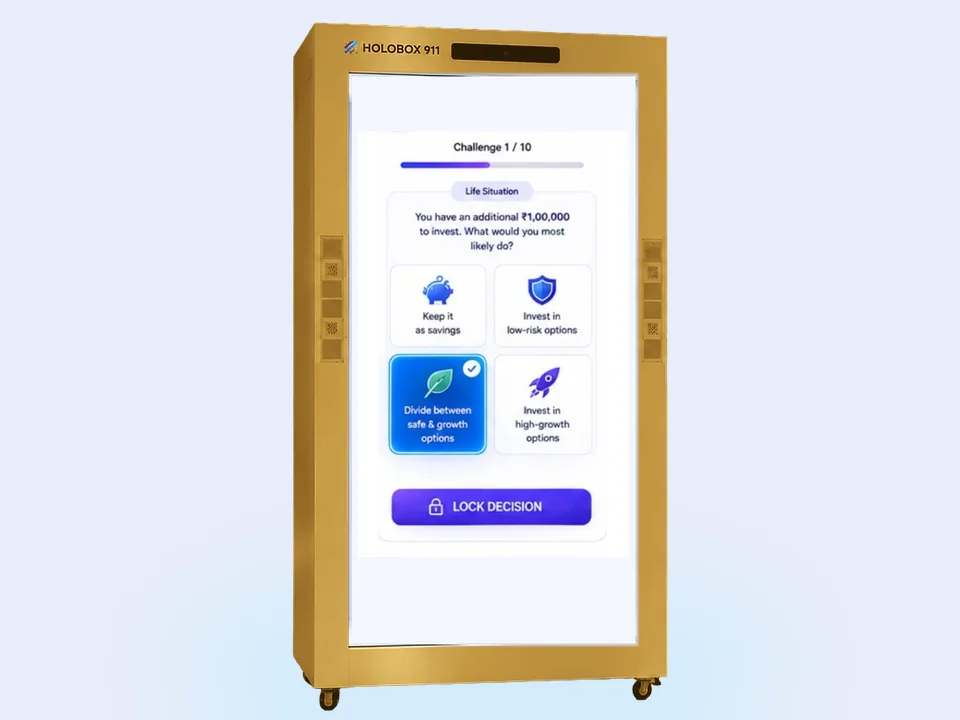
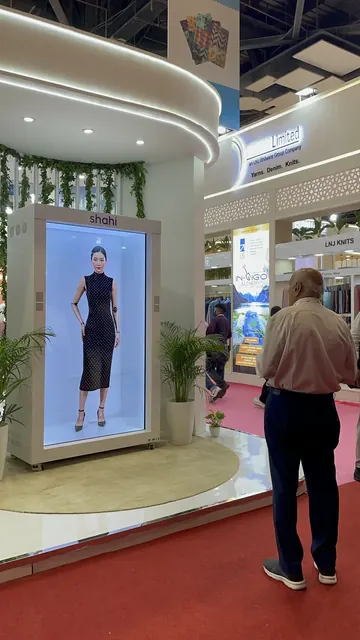
- Space: the 7-foot HoloBox is 213 cm high, 128.2 cm wide and 60 cm deep, and weighs 220 kg (300 kg in its flight case). The 6-foot HoloBox is a 167.64 cm unit on a 6-inch podium, 93.45 cm wide and 60 cm deep, 120 to 145 kg. Keep the vents clear: nothing on top of or against the unit, and room to reach the side panel.
- The room: indoors, well ventilated and air-conditioned, at −5 °C to 30 °C, on a level floor, away from direct sunlight.
- The route in: the 7-foot HoloBox travels in a flight case and needs openings of at least 8'6" high by 4'5" wide, and any lift rated 300 kg or more. Check the floor for the weight above.
- Power: one dedicated earthed socket, within reach of the red power switch on the side panel. The 7-foot HoloBox takes AC 100 to 240 V, 50/60 Hz: 550 W standby, 700 W at full load. For the 6-foot, ask us for the figures.
- Wi-Fi at the exact spot: stand where the box will go and check the signal with a phone app. You need −70 dBm or better. If it is weaker, plan a 4G router or move the box (Article 3).
- A network without a login page: the box cannot accept guest Wi-Fi terms.
- IT approval: send your IT team the For IT teams page and ask us for the IT security pack.
- Microphone plan: in a noisy lobby, plan a wireless collar mic for the presenter (Article 6).
- A named person on site for the first start, with a phone for photos and video calls.
Still not fixed?
Press Call support on the box's screen, or see how to reach us. Tell us the article number and what you tried.
Last checked 23 Nov 2026. Written from support cases on HoloBox software 0.8.8 and 0.9.5.
Was this helpful?